UIKit - UILabel 취소선 적용하기
UIKit - UILabel 취소선 적용하기
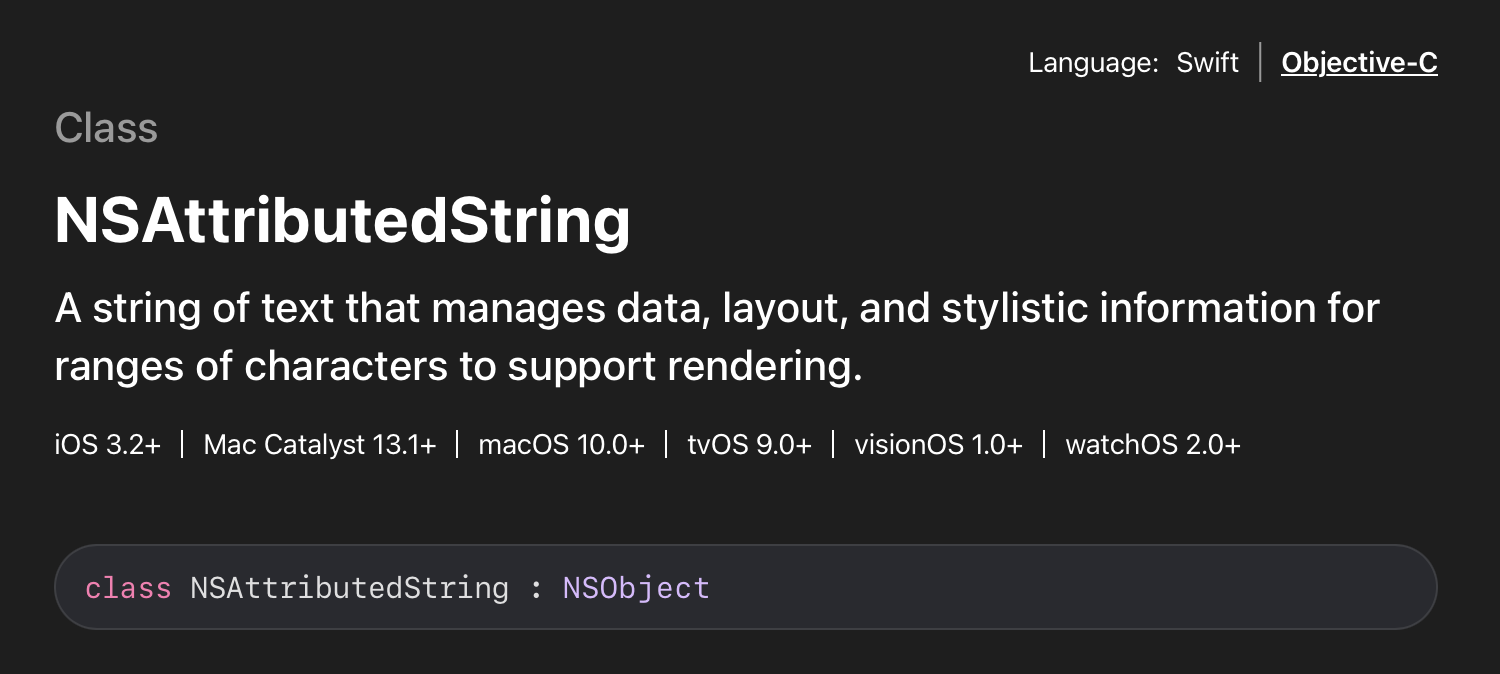
UILabel에 취소선을 적용하는 것은 NSAttributedString을 통해 처리 가능함.
Apple Develop Document
적용 코드
String+StrikeThrough.swift
1
2
3
4
5
6
7
8
9
10
11
12
13
14
15
16
17
18
import UIKit

extension String{

    // 취소선 적용
    func strikeThrough() -> NSAttributedString{
        let attributeString = NSMutableAttributedString(string: self)
        attributeString.addAttribute(.strikethroughStyle, value: NSUnderlineStyle.single.rawValue, range: NSMakeRange(0, attributeString.length))
        return attributeString
    }

    // 적용된 속성 해제
    func unStrikeThrough() -> NSAttributedString{
        let attributeString = NSMutableAttributedString(string: self)
        attributeString.addAttribute(.strikethroughStyle, value: [], range: NSMakeRange(0, attributeString.length))
        return attributeString
    }
}
TodoCell.swift
1
2
3
4
5
6
7
8
9
10
11
12
13
14
15
16
17
18
19
20
21
22
23
24
import UIKit

class TodoCell: UITableViewCell {
  ...

    func toggleLabelStrikeThrough(isCompleted: Bool){
        if isCompleted{
          // 완료 시 취소선 적용
            todoTitleLabel.textColor = UIColor(named: "completedColor")
            todoTitleLabel.attributedText = todoTitleLabel.text?.strikeThrough()

            createdAtLabel.textColor = UIColor(named: "completedColor")
            createdAtLabel.attributedText = createdAtLabel.text?.strikeThrough()
        }else{
          // 취소선 속성 해제
            todoTitleLabel.textColor = UIColor(named: "todoTitleColor")
            todoTitleLabel.attributedText = todoTitleLabel.text?.unStrikeThrough()

            createdAtLabel.textColor = UIColor(named: "createdDateColor")
            createdAtLabel.attributedText = createdAtLabel.text?.unStrikeThrough()
        }
    }

}
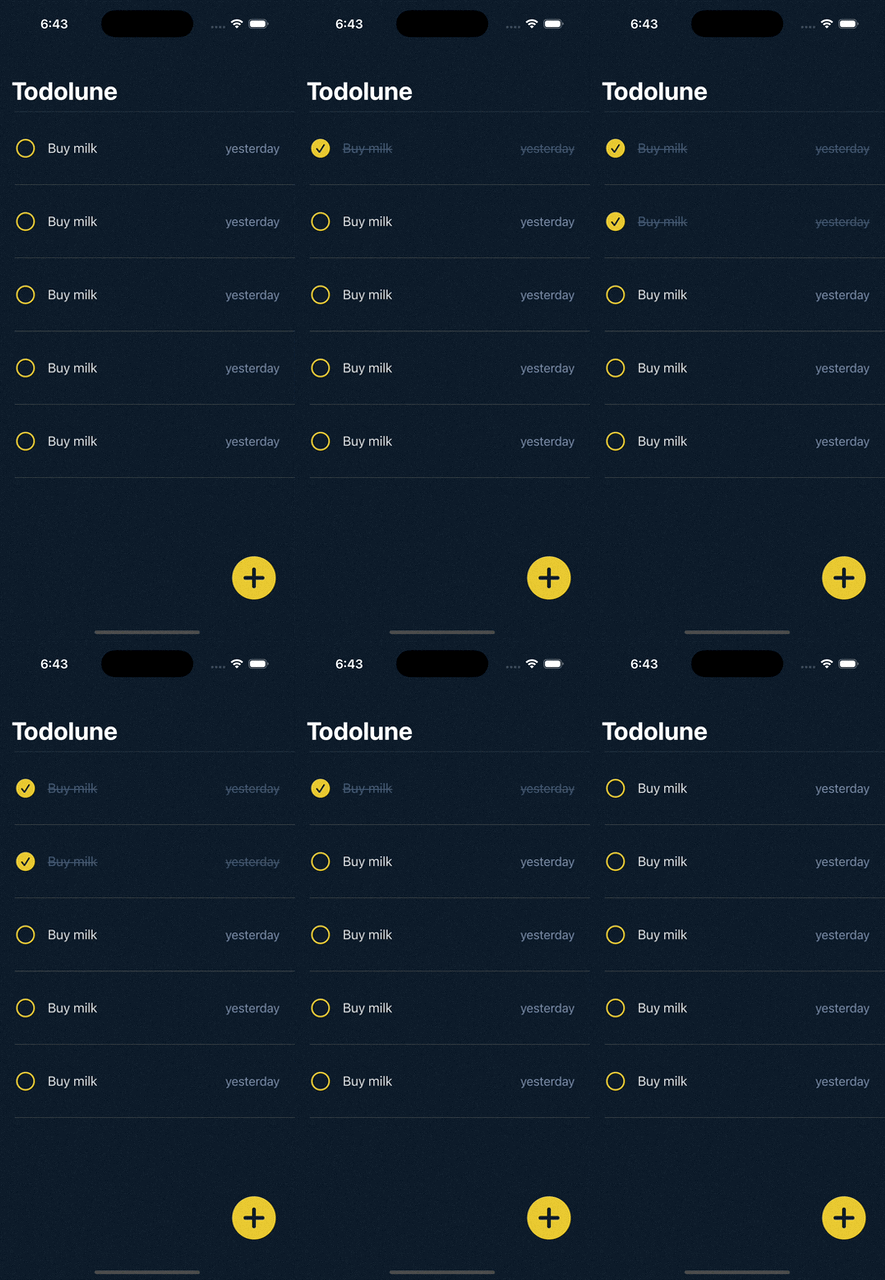
결과
Reference
This post is licensed under CC BY 4.0 by the author.