UIKit - TabBarController 설정 방법(스토리보드)
UIKit - TabBarController 설정 방법(스토리보드)
TabBarController 설정 방법(스토리보드)
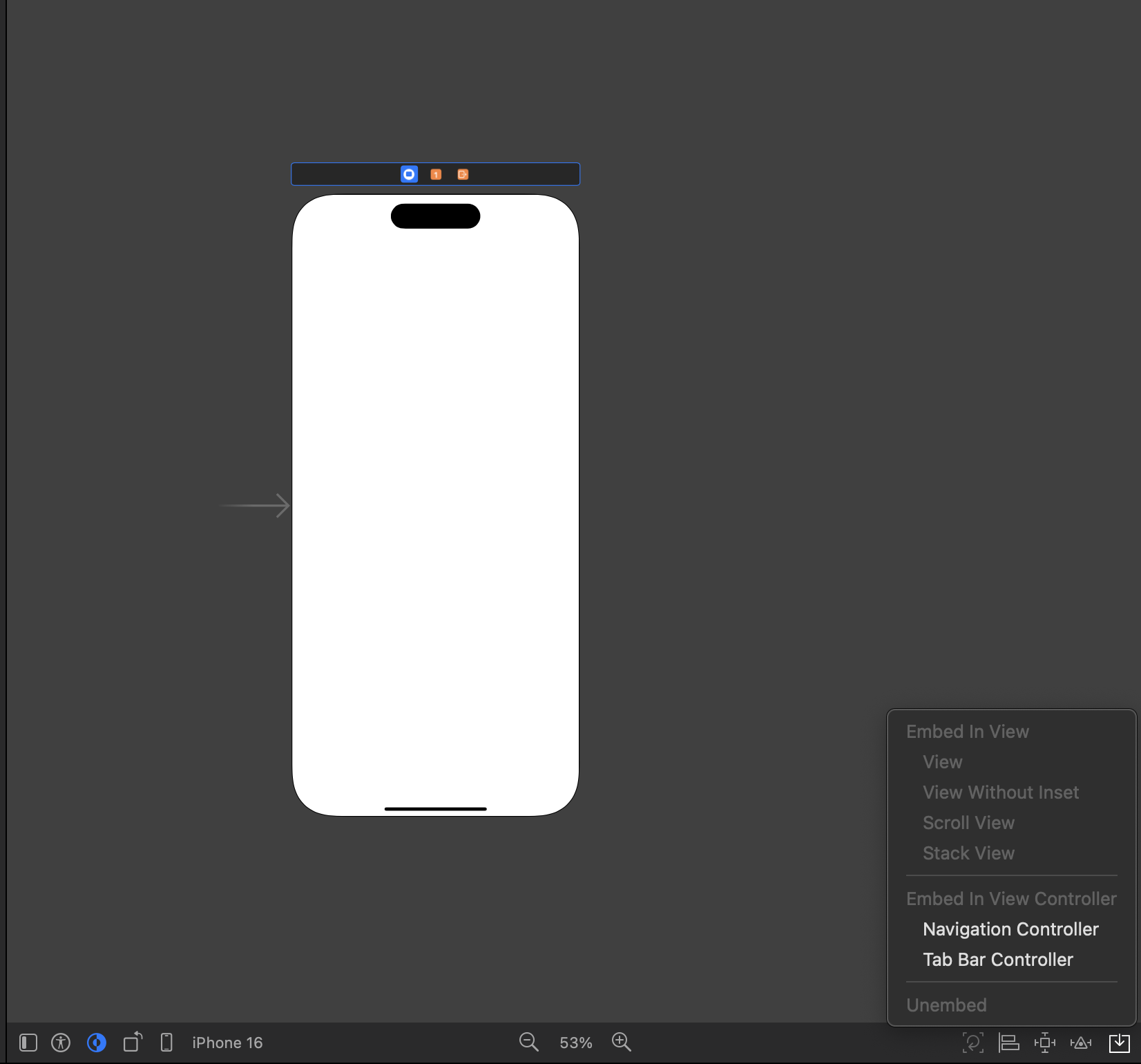
1.Storyboard에서 ViewController 선택한 후 하위 메뉴에서 Tab Bar Controller를 선택
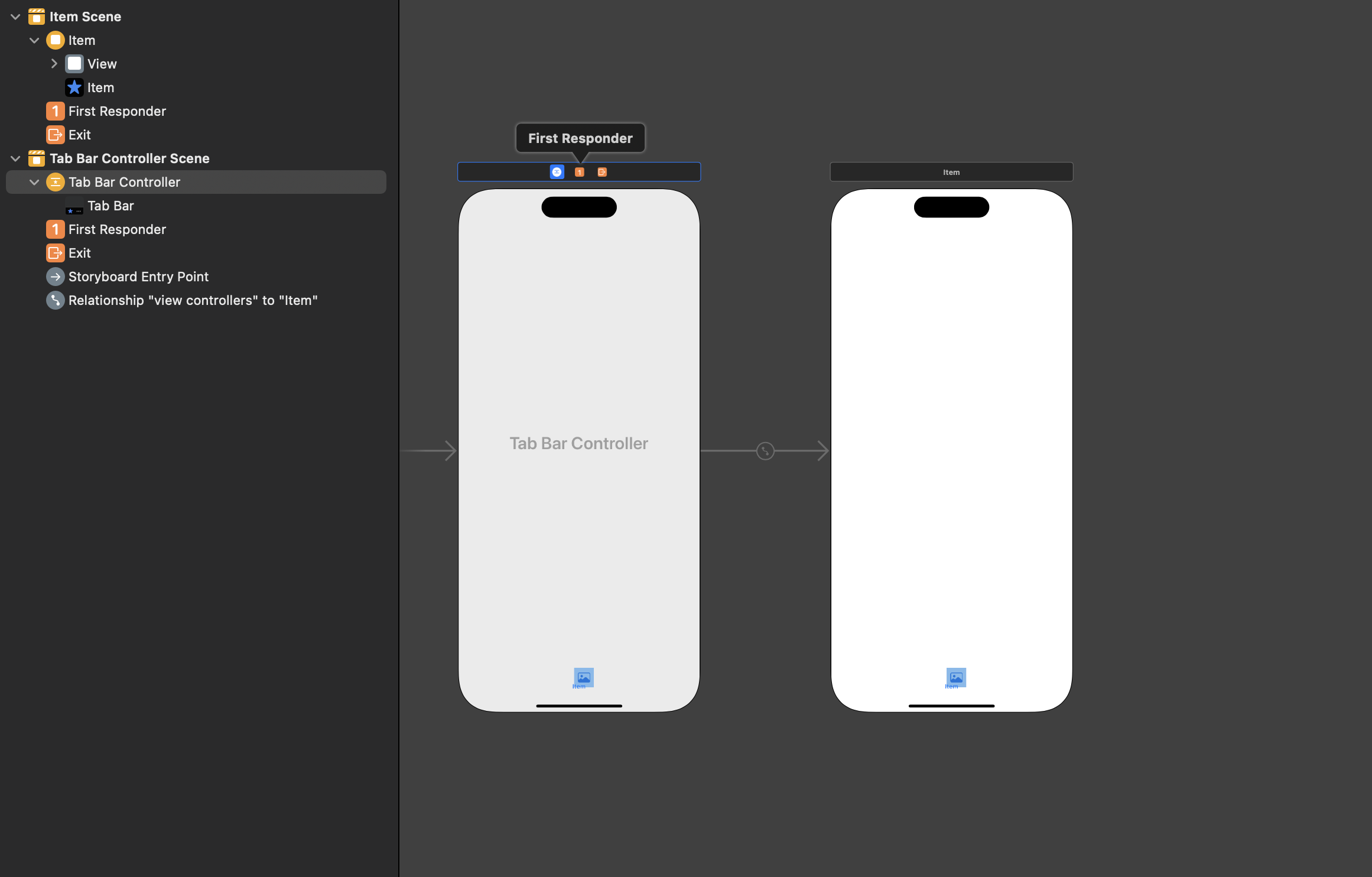
생성된 Tab Bar Controller 확인
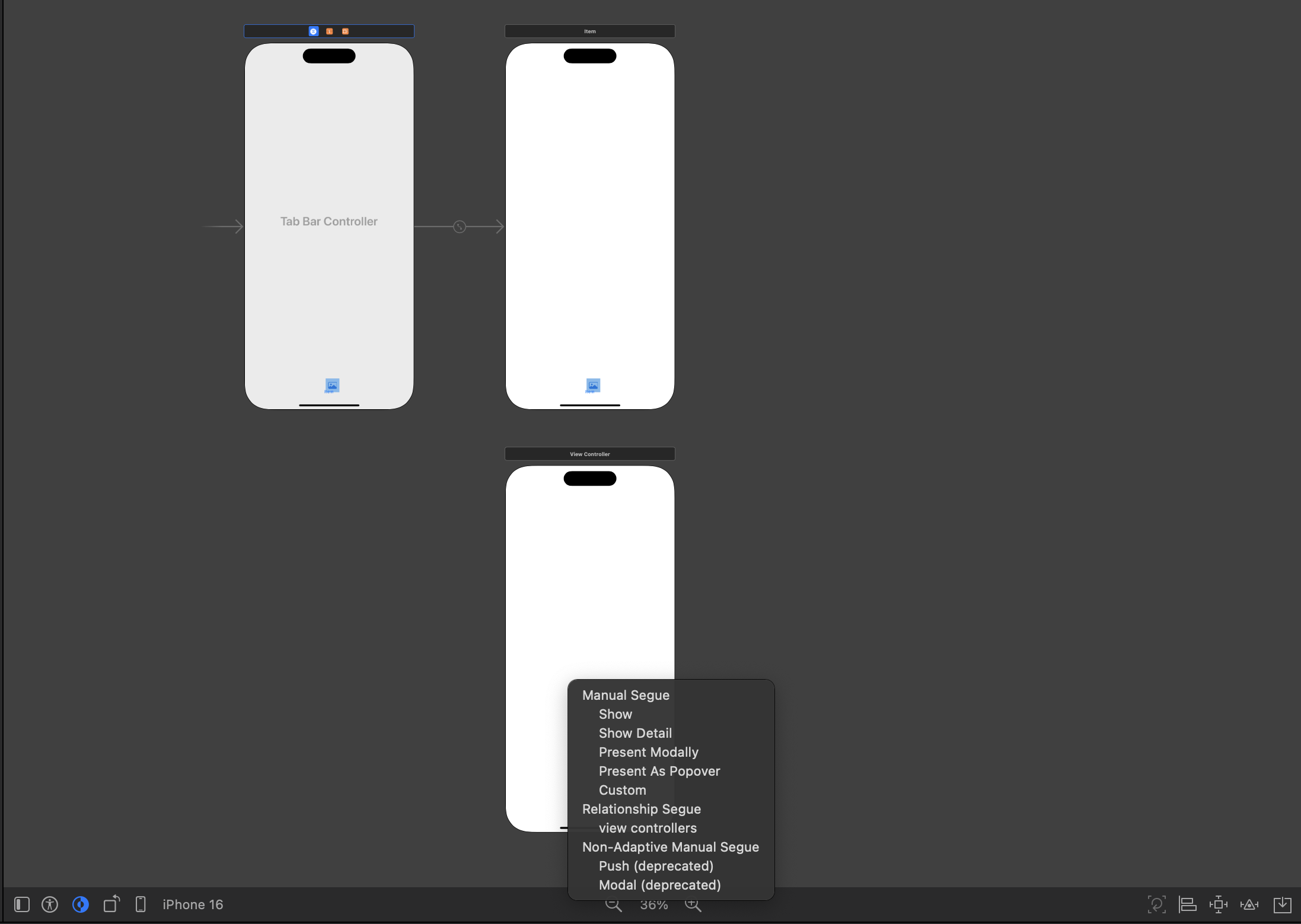
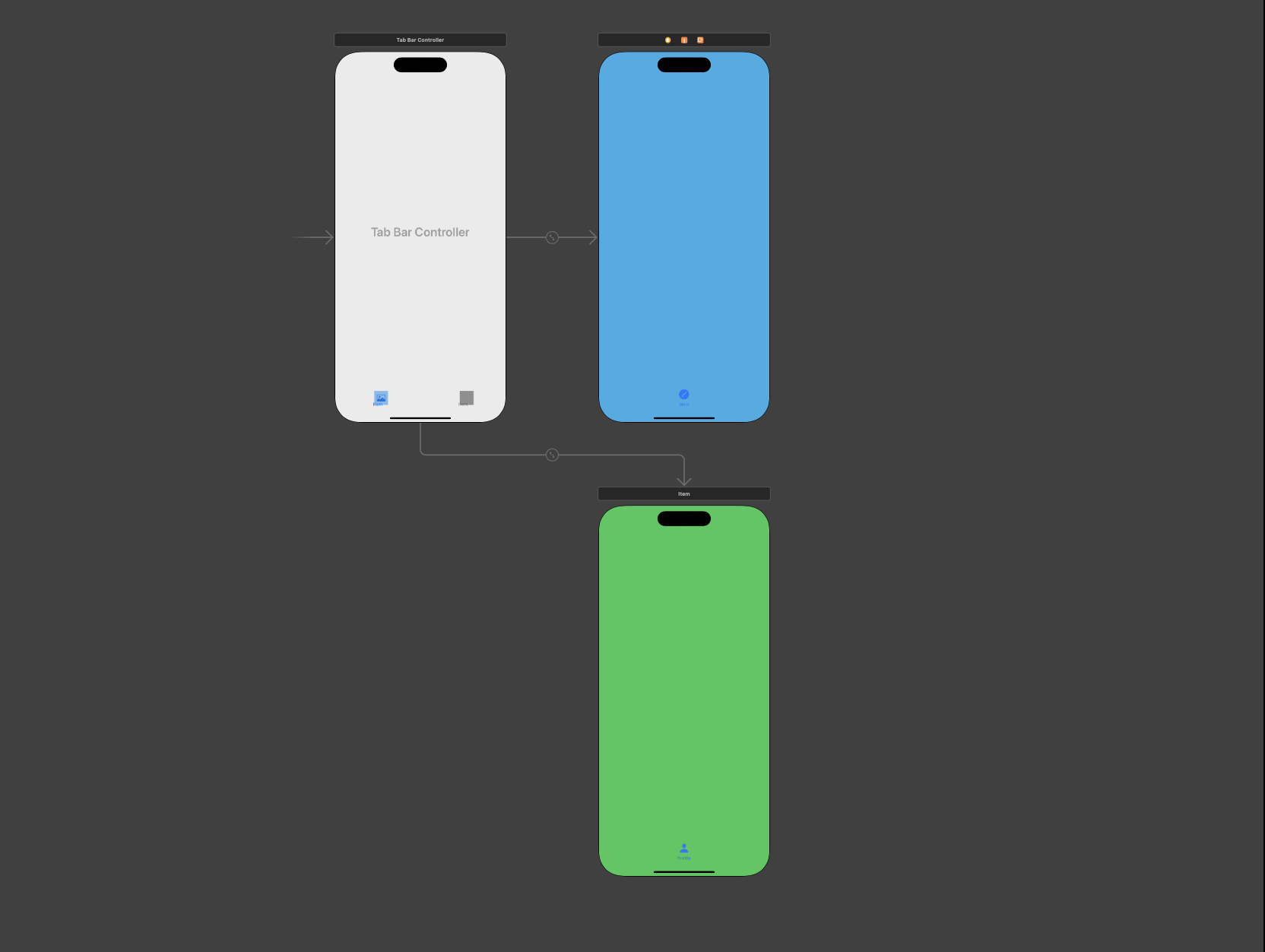
2.새로운 ViewController를 추가한 후 생성된 Tab Bar Controller를 선택한 후 Control 키를 누른 상태에서 드래그하여 새로 생성한 ViewController에 접근 (Relationship Segue 선택)
연결 확인
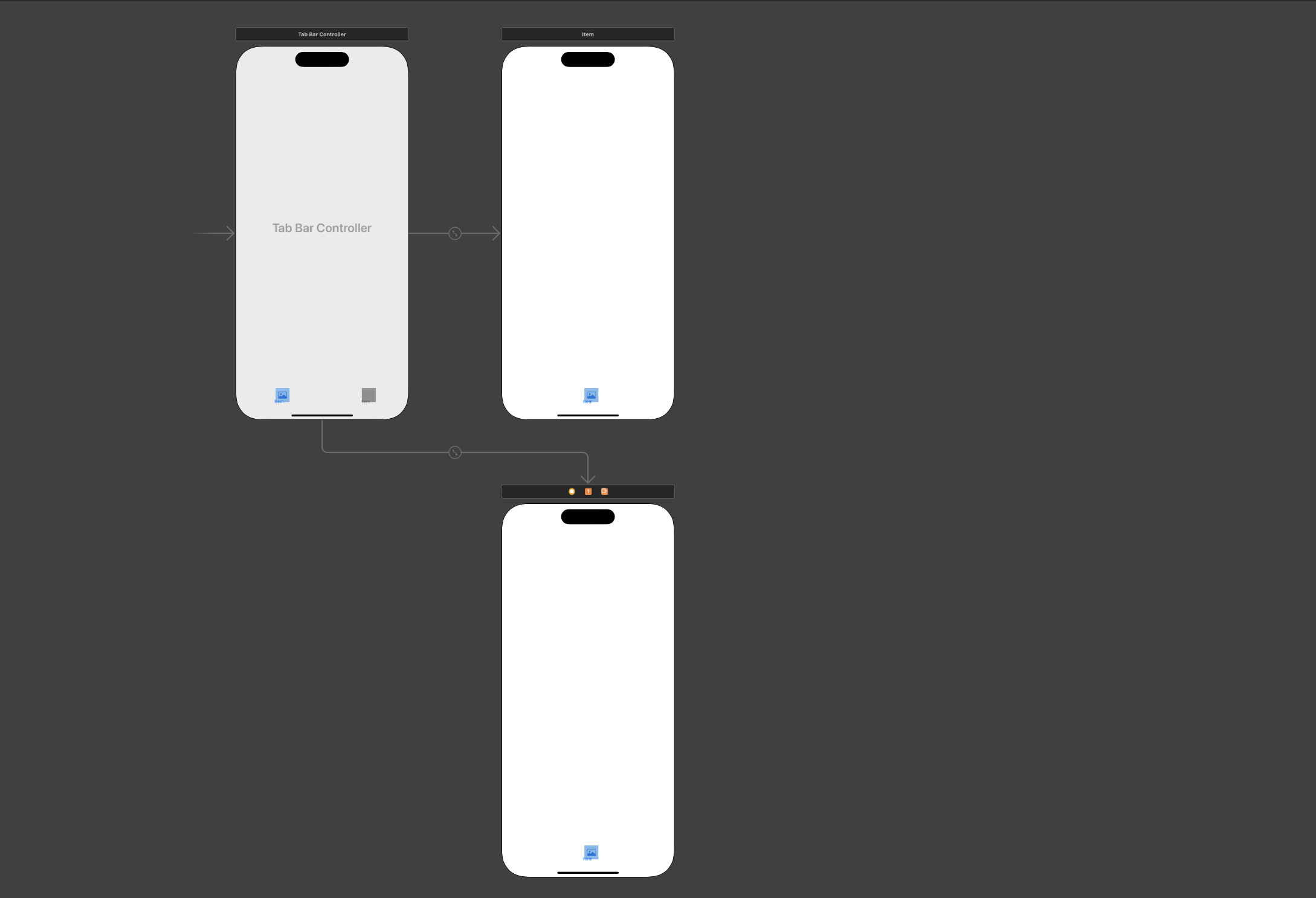
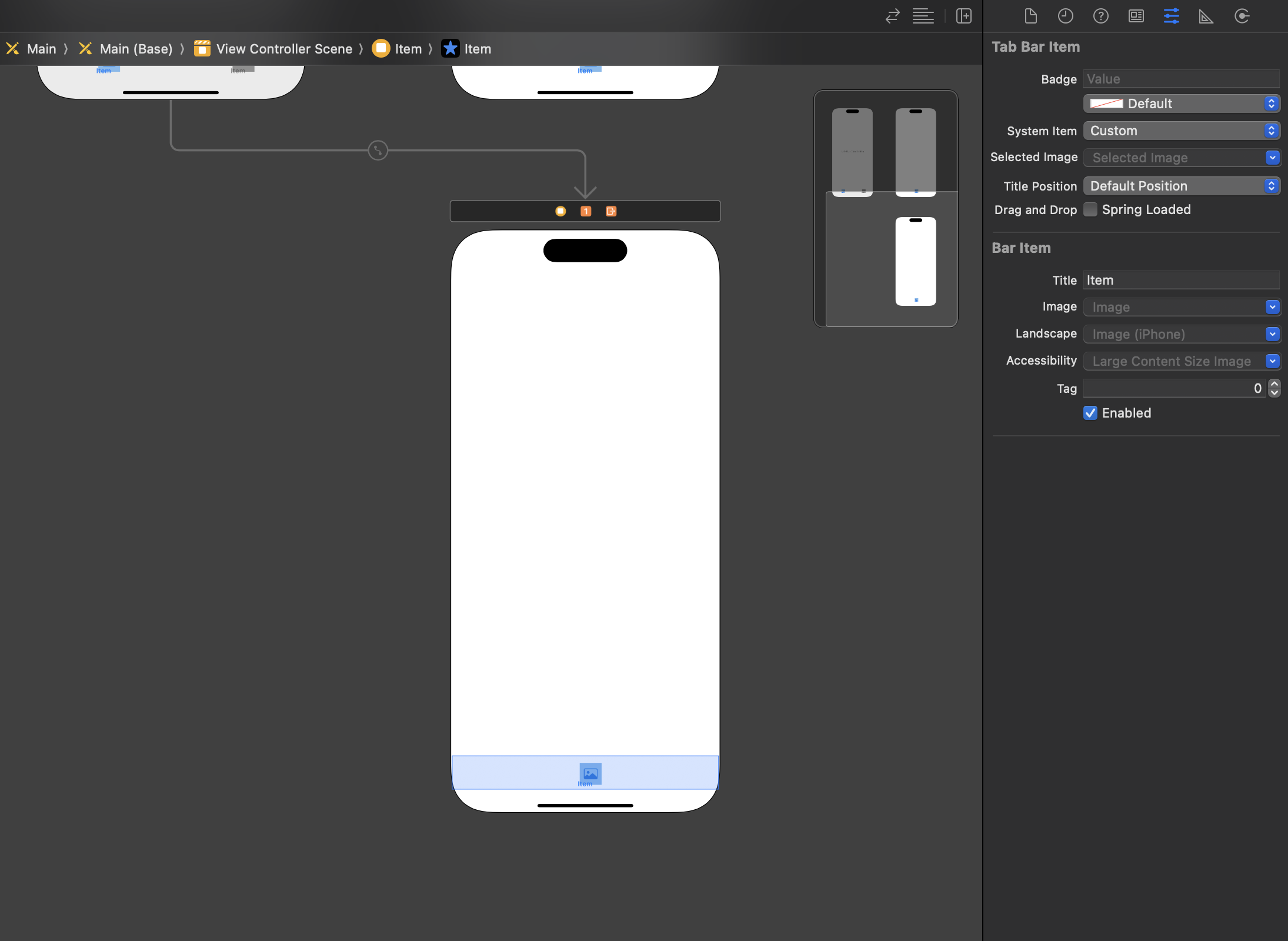
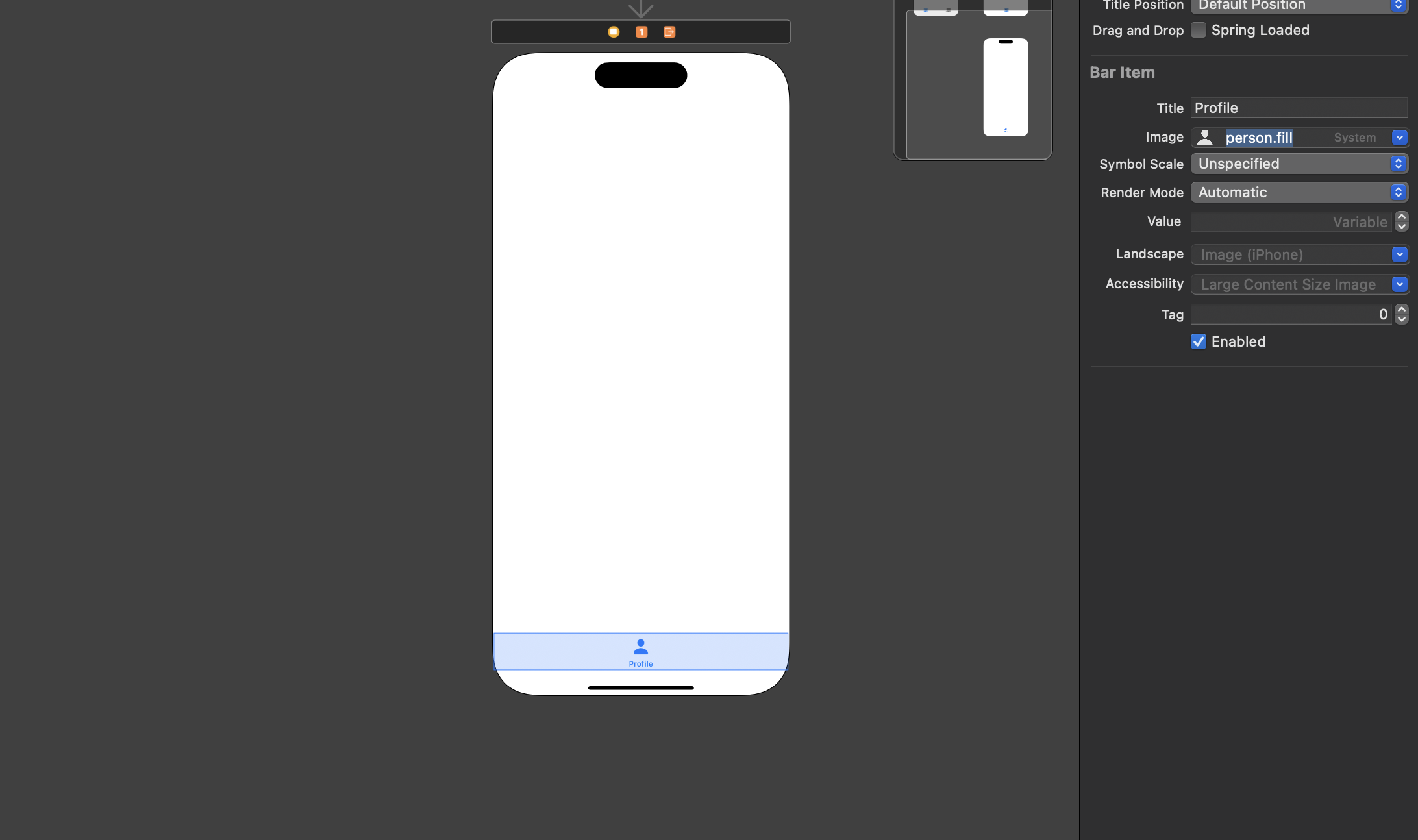
3.ViewController에 생성된 Tab Item 요소를 클릭하여 설정을 통해 이미지와 타이틀 설정
설정 적용 확인
화면 구분을 위한 색상 지정
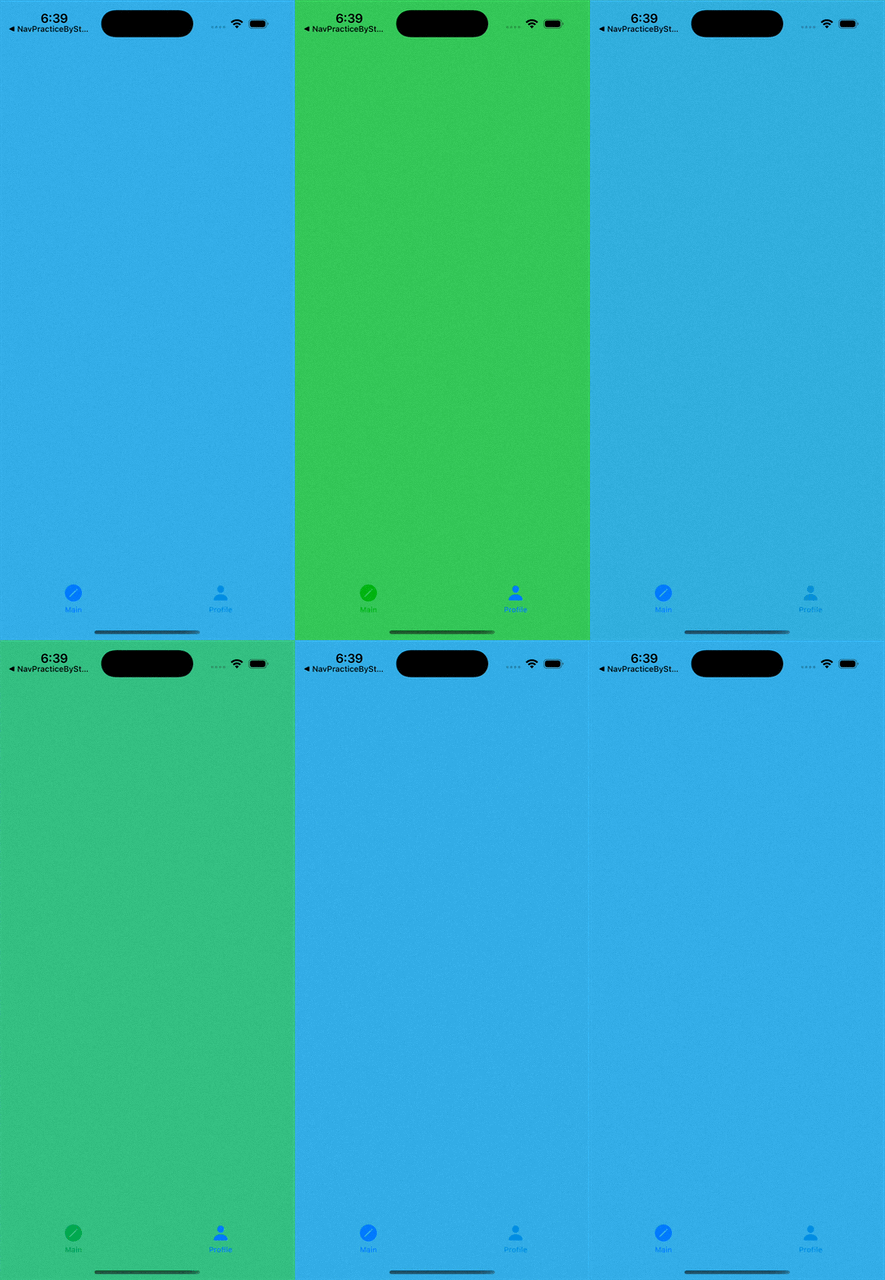
결과
This post is licensed under CC BY 4.0 by the author.